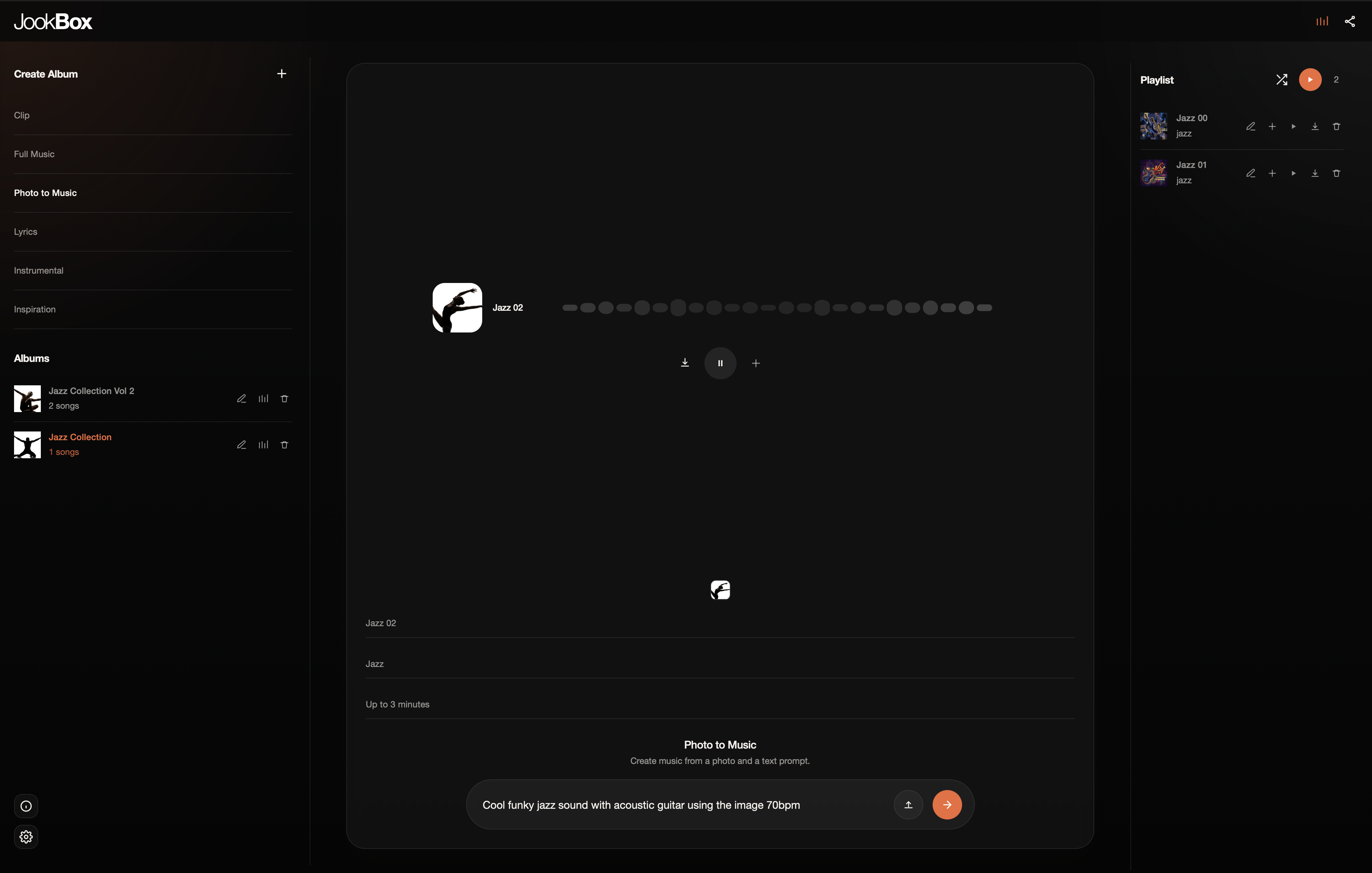
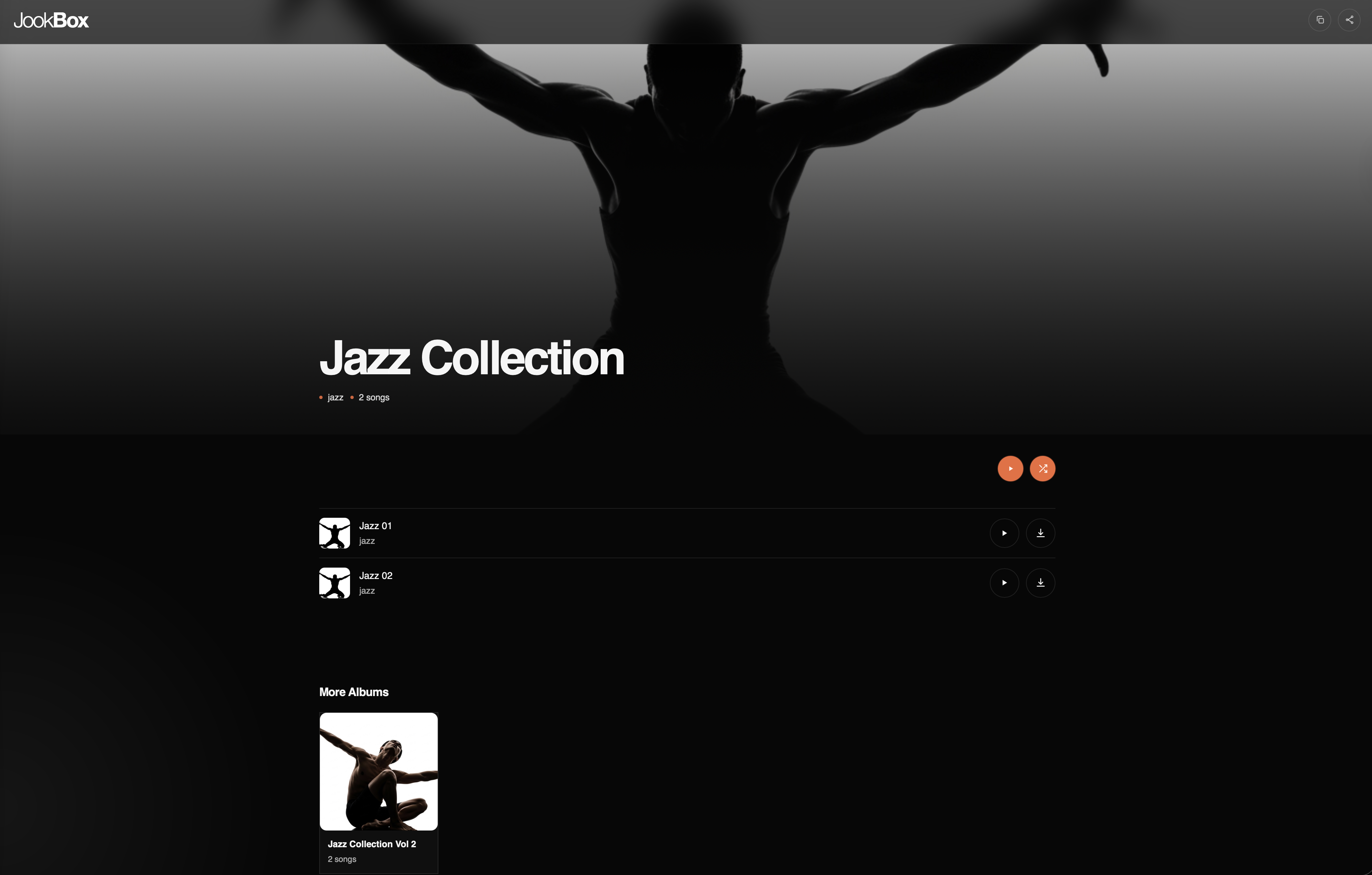
Albums
Albums gives your music a stronger sense of structure. It helps you group tracks into releases that feel intentional instead of isolated one-off generations.
It works well for EP ideas, themed collections, release planning, client packages, and any workflow where multiple songs need to live together.
Cover Art
Cover Art helps each release feel complete. It creates artwork that supports the tone of the music so the visual identity is developed alongside the sound.
It supports album covers, single artwork, stronger release direction, and a better presentation across public pages and promo assets.
Multilingual
Multilingual creation lets you make music in more than one language so your ideas are not boxed into a single audience or market.
You can create for global audiences, experiment with bilingual songs, develop region-specific releases, and write in the language that best fits the feeling of the track.
Clips
Clips is built for fast ideation. It gives you shorter musical outputs when you want to explore a direction quickly without committing to a full song structure.
It works well for testing genre ideas, building social teasers, sketching hooks, trying multiple moods quickly, and finding starting points you can expand later.
Full Music
Full Music is for complete track generation. It is the mode to use when you want a more developed result with stronger progression, fuller arrangement, and a clearer sense of song form.
It fits finished songs, release-ready material, full demos, and any moment where a single prompt needs to turn into a more complete musical idea.
Photo to Music
Photo to Music starts from an image instead of a text-only prompt. It translates visual mood, color, energy, and atmosphere into a musical direction.
It works naturally for campaign concepts, visual-first workflows, moodboard-driven music, soundtrack experiments, and turning scenes or artwork into sound.
Lyrics
Lyrics gives you more control over the message of a song. It lets the writing drive the composition so the music supports your words instead of the other way around.
That is especially useful in songwriter workflows, client briefs with required messaging, vocal-led concepts, and songs built around finished or in-progress lyric sheets.
Instrumentals
Instrumentals focuses on non-vocal output for moments where melody, rhythm, and atmosphere need to stand on their own without lyrical content.
It fits background music, score ideas, content beds, brand soundtracks, trailers, and instrumentals you may want to develop further later on.
Share
Share turns your music into something presentable. It gives your albums and tracks a public destination that already feels designed, organized, and easy to send.
That makes it useful for collaborator reviews, client delivery, listening links, and giving fans a focused place to hear your latest release.